Roofing Estimate Software: What It Does and What to Check
Learn what roofing estimate software does, how it builds a quote from your own prices, and what to check before you choose a roofing estimate software tool.
By Bogdan Stere
· 6 min read

On this page
Roofing estimate software takes a roof's measurements and your pricing and turns them into a customer-ready quote. For a small roofer, the value is speed and consistency: fewer hours spent on math, fewer quotes that drift from what you actually charge, and less lag between a lead and a number in the homeowner's hands. The catch is that "estimating software" covers several different tools, and they do different jobs. This guide explains what roofing estimate software does, how it builds a quote, which features matter for a small crew, and how to test a tool before you commit.
What Roofing Estimate Software Does
Most roofing estimate software handles three steps: measuring the roof, building line items, and producing a quote the customer can read and sign. A roofing estimating software overview from XBuild describes the same flow, from photos and measurement reports into a proposal the homeowner can sign.
Measurement versus pricing
Measurement and pricing are separate problems, and many products only solve one of them. Some tools focus on calculating roof area and pitch, often from satellite or aerial imagery. Others focus on the price side: labor, materials, overhead and margin. A roundup of roofing estimating tools from Arrivy sorts the category into measurement and takeoff tools, CRM and job management systems, and field operations platforms. Before you shop, decide which problem you have. If you already order measurement reports and just need a faster way to price them, a measurement tool will not fix your quoting bottleneck.
Where estimates usually break down
Estimates tend to go wrong in predictable places: a missed waste factor, an outdated material price, a labor rate that never got updated after your last crew change, or a line item that exists in your head but not on paper. Good software makes those inputs explicit so the same job produces the same number every time. It also makes it harder for a quote to leave the office without a second look.
How Roofing Estimate Software Builds a Quote
Under the hood, most tools follow the same logic: start with the roof's dimensions, apply your material rules, add labor and overhead, then add margin.
Measurements and takeoffs
A takeoff tool calculates roof areas from digital plans, photos or aerial imagery. STACK's roofing estimating page describes this approach: measure roof areas, add labor, waste, taxes and profit margin, then produce a bid. The key question for you is where the measurements come from and how much they cost. Count the cost of any per-report measurement fees against every quote, not just the ones that close, because those fees add up on busy months.
Labor, materials and margin
The pricing layer is where generic tools differ most. Some tools use a national price database. Others let you enter your own labor rates, fixed costs, material prices and markups. For a small roofer, the second approach is usually the one that matches reality. A quote built from your own numbers is easier to defend when a homeowner asks why it costs what it does, and easier to adjust when material prices move.
Features to Check Before You Buy
Use this list as a shopping checklist. Each item is a question you can ask a vendor or test in a demo.
Pricing fit with your own rates
Ask whether the tool calculates prices from your labor rates, fixed costs and material markups, or from a generic database you cannot change. If you cannot see or edit the inputs, you cannot tell whether the output is right.
Proposal and e-signature
Look for branded proposals the customer can review and sign, and check whether the tool supports deposits if you collect them. XBuild's product page describes proposals signed with a deposit before the rep leaves the driveway. Whether you need that depends on how you sell. The point is to confirm the signed proposal is one step, not a PDF you have to re-enter somewhere else.
Integrations with your CRM and accounting
Confirm which systems the tool connects to, such as your CRM, your accounting package and your email. If you retype the customer name, address and line items into a second system, you have added a step and a chance for error. Ask the vendor to show the data moving between systems in a live demo, not just on a feature list.
Roofing Estimate Software for Small Roofers
Many roofing estimate tools are built for large firms with multiple crews, dispatch teams and enterprise reporting. A small roofer has different needs.
Solo and small-crew needs
A solo roofer or a small crew usually needs three things: fast measurements, instant estimates, and a clean proposal. RoofSnap's site describes itself as built for small crews and solo roofers, with measurement reports, instant estimates and contracts in one place. That is the kind of focus to look for, though you should still verify features and pricing directly with the vendor.
When a simple estimator is enough
If you quote a few jobs a month, a simple tool with a clear price list may beat a large platform. Large systems bring setup time, training and monthly fees that only pay off when you have the volume to use them. Ask yourself how many quotes you write each month, how long each one takes you now, and how many of those hours a tool would actually save.
How to Test a Roofing Estimate Tool
Do not choose based on a demo built around the vendor's best example. Test with your own work.
A test quote checklist
- Pick one real past job, ideally a mid-size residential roof you already priced and won.
- Enter the same measurements and job details into the tool.
- Compare the tool's total to what you actually charged. Note every line item that differs.
- Check whether you can change the labor rate, material markup and waste factor, and whether the change flows through to the total.
- Test a very large job. Confirm whether the tool gives an instant quote or flags the job for manual review. A quote that is badly wrong on a big job costs more than a slow one.
- Send the proposal to yourself and open it on a phone. Check how it looks and whether the customer can sign it.
If the tool's total is far from your past price, find out why before you trust it. Either your inputs are wrong or the tool's defaults are wrong, and both need fixing before you quote real customers.
Where Vertically Fits
Vertically is our product, so treat this section as one option among several. Vertically runs a custom quote page from your website. Pricing is built from your own labor rates, fixed costs, materials and markups. The homeowner gets an instant estimate with a branded PDF, sent from your own email address. If a job's total is above a ceiling you set for instant quoting, the homeowner gets a note that more information is needed instead of a quote. You can read more on the roofing quote software page.
If you are comparing products more broadly, our roundup of roofing proposal and estimating tools covers other options, and our guide on how to get more roofing leads covers the sales side of the same workflow.
Next Step
Pick one past job this week and run it through the test checklist above. If the total comes out close to what you actually charged, you have a tool worth a longer trial. If it does not, you have learned something about your own pricing that matters regardless of the software. To see how a quote page built from your own price list would work for your company, book a free systems audit at https://cal.com/vertically/free-systems-audit?overlayCalendar=true. Vertically offers a 30-day free trial with no contract and no credit card required.
Frequently asked questions
What is roofing estimate software?
Roofing estimate software helps you measure a roof, build line items for materials and labor, and produce a customer-facing quote. Some tools focus on measurement, others on pricing, and some combine both with proposals and signatures. The main benefit is a consistent, faster quote built from your own inputs.
Do I need roofing estimate software if I only do a few jobs a month?
Not always. If you quote only a few jobs a month, a simple tool with a clear price list can be enough, and a large platform may cost more in time and fees than it saves. Compare how many hours you spend per quote now against what a tool would realistically save.
What is the difference between a measurement tool and an estimating tool?
A measurement tool calculates roof dimensions and areas, often from aerial or satellite imagery or photos. An estimating tool turns those measurements into priced line items using labor rates, materials, waste and margin. Some products do both, but many only do one, so check which problem you need solved.
Can roofing estimate software use my own labor rates and markups?
Many tools can, but it varies. Ask whether you can enter and edit your own labor rates, fixed costs, material prices and markups, and whether those changes flow through to the final total. If you cannot see or change the inputs, you cannot check whether the output is accurate.
How do I compare roofing estimate software options?
Start by deciding whether you need measurement, pricing, or both. Then test each shortlisted tool with one real past job and compare its total to what you actually charged. Also check how it handles very large jobs, whether the proposal can be signed, which systems it connects to, and what the per-report or monthly costs are.
Answer every lead in under 30 seconds.
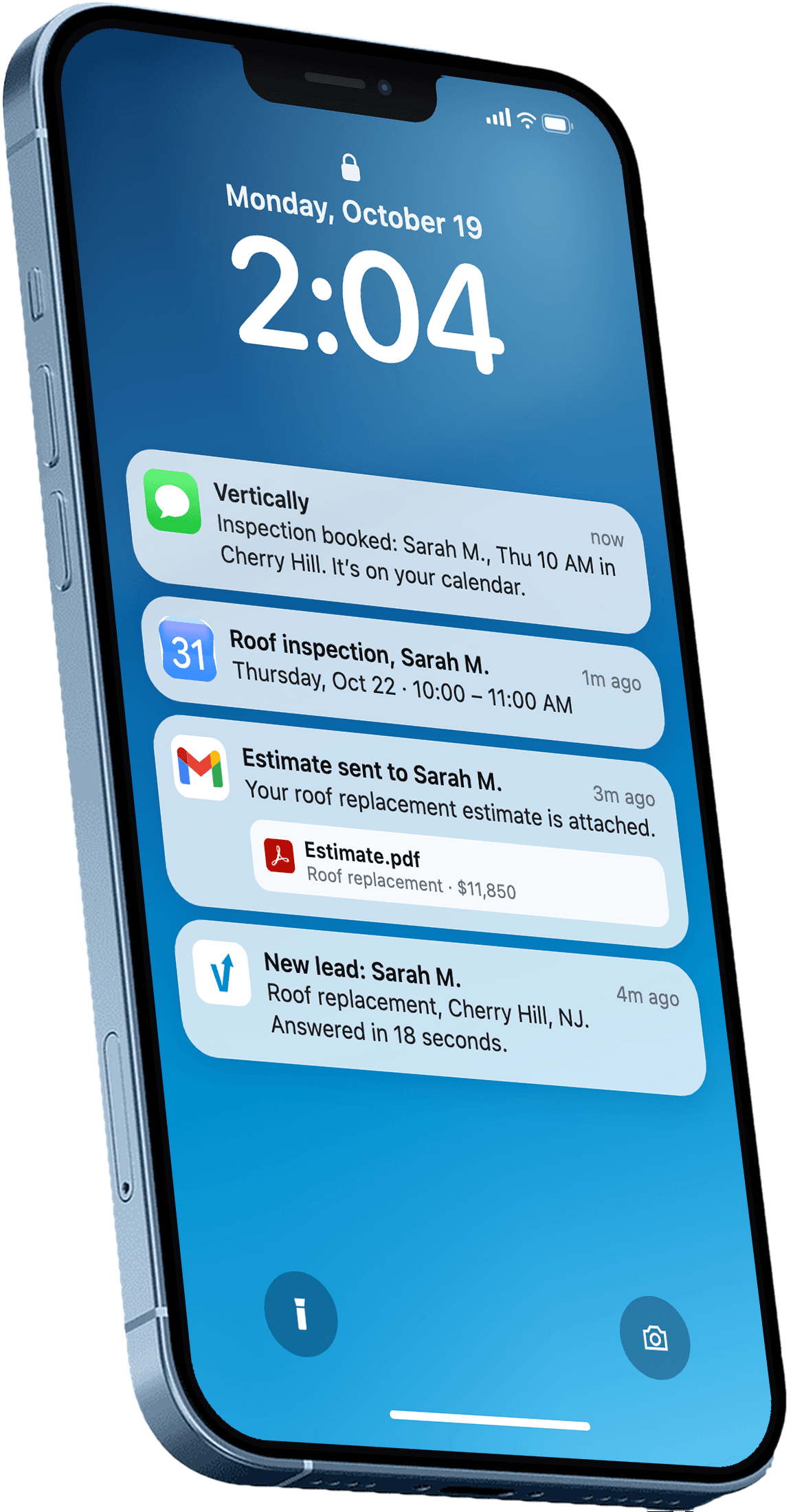
Vertically replies to your leads, sends the quote, calls them, and books the inspection on your Google Calendar. Free for 30 days. No contract, no credit card.
Keep reading
- GuideBest Roofing Proposal and Estimating Software (2026)Compare the best roofing proposal software and estimating tools in 2026: what each does well, who it fits, published pricing, and where AI quoting helps.Read more
- GuideHow to Get More Roofing Leads (and Stop Losing the Ones You Have)How to get more roofing leads: practical sources, then why speed to lead and follow-up decide how many you win, with a real roofing case study.Read more