What a Roofer Sees in the Roofing Lead Breakdown Email
A walkthrough of the roofing lead breakdown email and mini CRM: what the email contains, how to mark lead status, and what to check each morning.
By Toby Karamoutchev
· 4 min read

Disclosure: Vertically is the author's product. The lead breakdown email and mini CRM described here are features of Vertically, so treat the product details as the author's description of their own tool.
When a homeowner requests a quote on your website, the details can get scattered fast. A roofing lead breakdown email puts the request, the estimate and the next steps in one place so you can act on it before the homeowner moves on. This walkthrough covers what that email contains, how the mini CRM inside it works, and what to check each morning.
What arrives in the lead breakdown email
The homeowner gets an instant estimate by email, with a branded PDF. You get a copy of that same quote, along with a full lead breakdown. Read the breakdown before you pick up the phone, not after.
The quote copy and the lead details
The lead breakdown includes the service type, size and materials the homeowner selected, and the quote copy you received. The questions are custom to the services you offer, so the request reflects those choices. If a homeowner used the guided flow because they didn't know the terms, the breakdown still shows what they asked for in their own words.
Why the breakdown matters before you call
You can open with "I see you're looking at a tear-off on an asphalt roof" instead of asking the homeowner to start from scratch. That shortens the call and makes it clear you have done your homework.
How the mini CRM works inside the email
The lead breakdown email includes a mini CRM where you mark the status of each lead. You do not need to log into a separate system to update it. That matters most on busy days, when a spreadsheet is the first thing to get skipped.
Marking lead status
Update the status after each action you take on a lead. Keep the statuses simple enough that you will use them every day. A status that is only accurate on Friday is not much use on Tuesday.
Keeping the follow-up sequence in step
The follow-up sequence messages the lead every several days over 28 days until they book an inspection or unsubscribe. If a homeowner books an inspection or unsubscribes, the sequence stops on its own. Check the lead record anyway, so you know where each homeowner stands before you call them.
Routing large jobs that need more information
Not every request gets an instant estimate. If a job totals above the ceiling you set for instant quoting, the homeowner receives an immediate email saying more information is needed. That keeps large jobs from getting an instant price before you have reviewed them.
When the quote is not sent as an instant estimate
Treat these leads as a separate review task. Pull up the request, check what the homeowner entered, and decide what you need to see before you give a number. This is often a conversation or a site visit, not a PDF.
What to do with those leads
Log them in the mini CRM so they do not sit unnoticed. Set a time each day to clear this queue.
Checking the breakdown alongside the booking flow
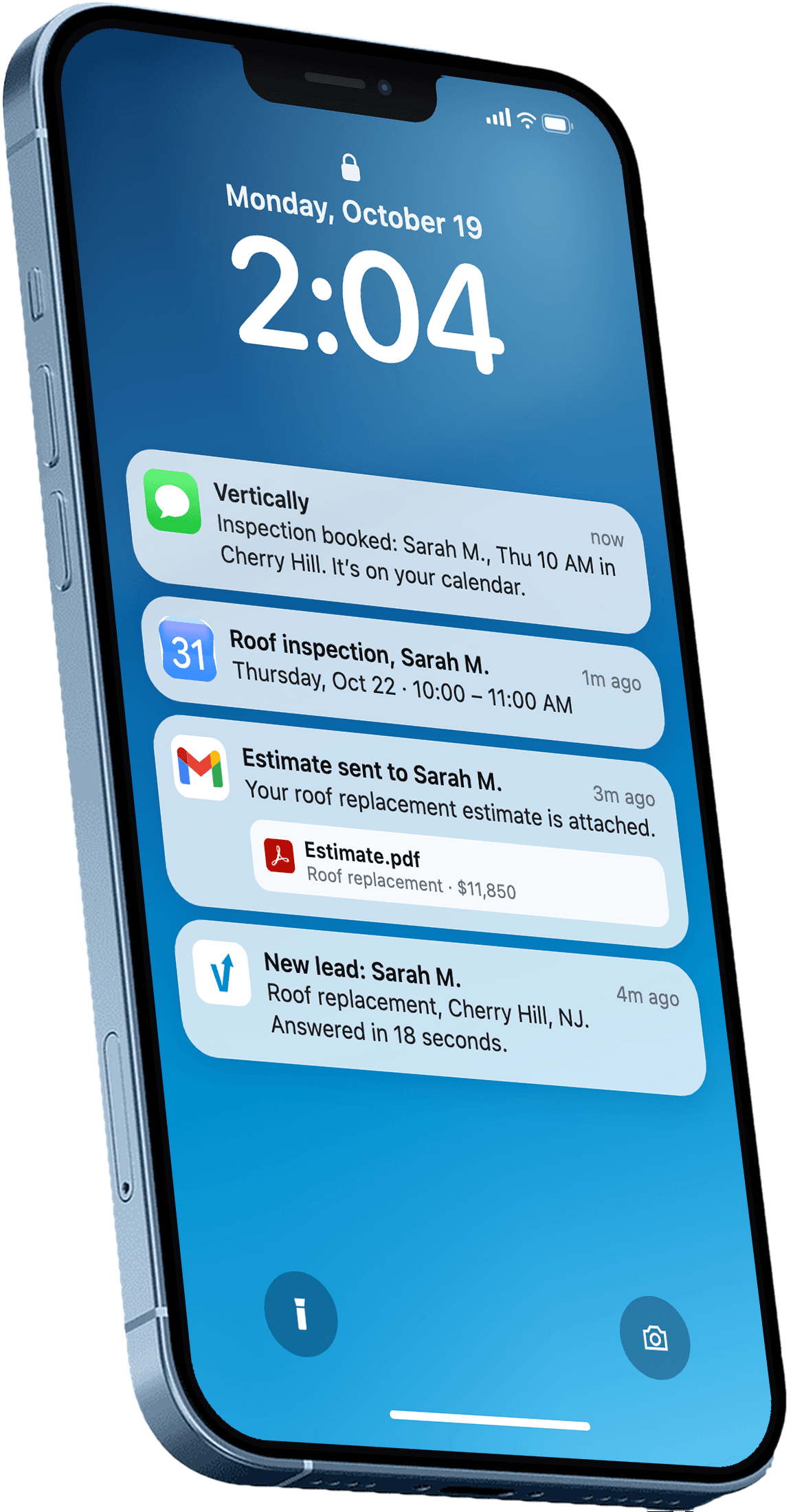
About 5 minutes after the request, an AI agent can call the homeowner on your behalf, using your company name and the homeowner's request details. It is connected to your Google Calendar and can book an inspection directly. You get a confirmation text, and the homeowner gets an email with the inspection details. For how that call timing fits in, see why a 5-minute AI call helps book roof inspections.
Where inspections show up
The AI books directly into your Google Calendar, and you receive a confirmation text. Before each visit, reopen the lead breakdown and confirm the details match your calendar entry.
What the AI call and calendar booking change
The main change is speed: a booked inspection no longer depends on you returning a call. Your job shifts to checking that the bookings are right and that the lead status reflects them.
A simple daily routine
Five minutes each morning is enough to keep leads from slipping:
- Scan the new lead breakdown emails and read the service type and size for each one.
- Open any large-job requests that need more information and decide who handles them.
- Update statuses for yesterday's calls, texts and booked inspections.
- Confirm that each booked inspection on your calendar matches its lead breakdown.
Using the weekly report
Every Monday, the weekly report summarizes your inspections, calls, quotes and requests for the week. Use it to spot gaps: if requests are steady but inspections are not, check the follow-up between quote and visit.
Related reading: how to get more roofing leads.
Recommendation for this week
Pick one time each morning for the five-minute check, and update statuses the same day you act on a lead. If you use Vertically, the lead breakdown and mini CRM come with the quote page built on your website. You can start a free 30-day trial with no contract and no credit card to see the breakdown email and mini CRM on your own quote page.
If you want every website lead quoted, followed up and booked automatically, book a free systems audit to see how Vertically would fit your roofing business.
Frequently asked questions
What is included in a roofing lead breakdown email?
The roofer receives a copy of the quote the homeowner got, along with a full lead breakdown that includes the service type, size and materials selected. The email also includes a mini CRM where the roofer marks each lead's status. Reading it before you call lets you start the conversation with the job details already in hand.
Do I need a separate CRM to track roofing leads?
The mini CRM is where you mark lead status inside the lead breakdown email. Vertically does not replace your existing CRM or accounting software, so if you already use one, you can keep using it alongside the email. The key is updating statuses consistently, whichever tool you use.
What happens when a job is too large for an instant quote?
If the total is above the ceiling you set for instant quoting, the homeowner gets an immediate email saying more information is needed rather than a price. You should treat these leads as a separate review task. Log them in the mini CRM so they are not overlooked.
When does the follow-up sequence stop?
The follow-up sequence messages the lead every several days over 28 days until they book an inspection or unsubscribe. Checking the lead record before you call helps you see where each homeowner stands.
Who receives the copy of the quote?
The roofer receives a copy of the quote along with the lead breakdown, sent from the roofer's own email through the Vertically Connect portal. The homeowner receives the instant estimate as a branded PDF with the roofer's details. Both copies come from the same quote request.
Answer every lead in under 30 seconds.
Vertically replies to your leads, sends the quote, calls them, and books the inspection on your Google Calendar. Free for 30 days. No contract, no credit card.
Keep reading
- GuideWhy a 5-Minute AI Call Helps Book Roof InspectionsSee how an AI call after roofing quote request can help roofers book more inspections, and what to check before you set it up this week.Read more
- GuideHow to Get More Roofing Leads (and Stop Losing the Ones You Have)How to get more roofing leads: practical sources, then why speed to lead and follow-up decide how many you win, with a real roofing case study.Read more