Roofing Website Design: 7 Mistakes That Cost You Leads
Avoid common roofing website design mistakes that hurt rankings and lead volume, from vague CTAs to slow pages and missing local details. Fixes included.
By Toby Karamoutchev
· 4 min read
Your website is often the first place a homeowner decides whether to call you. Roofing website design mistakes rarely show up as errors. They show up as fewer form submissions and quote requests, which makes them easy to miss. Below are seven common problems, with a fix for each and a short audit you can run this week.
Why Roofing Website Design Mistakes Are Expensive
Visitors judge credibility quickly. The Contractor Gorilla roundup of roofing websites notes that the strongest sites lead with clear visuals, scannable content and an accessible contact path, so a visitor never has to hunt for how to get in touch.
Mistakes in Calls to Action and Lead Forms
Vague buttons that say only "Contact Us"
"Contact Us" tells a visitor nothing about what happens next. A button that names the outcome does better. In a Big Apple Media review of roofing sites, one roofing client reported a 34% increase in form submissions after changing "Learn More" to "Schedule Free Estimate."
Put the specific button in the header, at the end of each service description, and in a sticky bar on mobile.
Forms that ask too much up front
A long first form adds friction before you have earned a conversation. Keep the initial form to name, phone, address or city, and the service needed. Then match any extra questions to the service requested, such as roof size for a replacement or the type of leak for a repair. Wix's guide to building a roofing website recommends simple lead forms for the same reason: they guide visitors into contacting you instead of stalling them.
Mistakes in Proof and Photos
Stock photos instead of real crews and work
Homeowners want to see your crew on a real roof in their area. Use before-and-after galleries with city or neighborhood tags, not street addresses.
Reviews buried or missing
The Wix guide recommends building a portfolio with client reviews to show credibility. Place a few strong reviews beside your main form and link to the rest.
Mistakes That Hurt Roofing SEO and Local Visibility
Site speed and mobile layout problems
Many roofing leads come from people searching on their phones, according to Big Apple Media's roofing website review. Heavy images, slow scripts and cramped menus push those visitors away. Compress photos, test your key pages on a phone, and make sure the phone number is tappable.
Missing local service pages and location details
A single generic services page rarely ranks for the towns you actually work in. Build a page for each main service and area you serve, and keep your business name, address, phone number and service areas consistent everywhere they appear. For the local pieces in order, see Roofing SEO: Set Up the Local Pieces First and SEO for Roofing Companies: 6 Questions Answered.
Mistakes in Structure and Content Focus
Content about the company instead of the customer
Pages that spend most of their words on your history, awards and staff tend to lose the visitor. The Hook Agency review of roofing sites names self-centric content as a major red flag and recommends content that addresses the customer's problem and explains why your company is the right answer. Lead with the problem the homeowner has: a leak, hail damage, an aging roof. Then explain how you solve it.
Services listed without explaining the job
A list of services like "repair, replacement, inspection" does not help a homeowner decide. Give each service a short page that explains what the job involves, roughly how it works, and what the homeowner should expect. Bullet points and clear headings make these pages easy to scan. The Contractor Gorilla roundup points to bullet points, headers and bold text as what makes service pages skimmable.
How to Audit Your Roofing Website This Week
- Open your main page on a phone. Time how long it takes to find your phone number and submit the form. If it takes more than a minute, simplify.
- Check every page for a clear next step. Each page should end with a specific button, not a vague one.
- Confirm that your phone number is visible and tappable on every page.
- Replace any stock photos with real project photos, tagged by city or neighborhood.
- Check that reviews sit near your main calls to action.
- Confirm your business name, address and phone number match across your site and your Google Business Profile.
Fix the form and the calls to action first. They are the fastest route from visitor to conversation.
Recommendation for This Week
Pick one page, usually your homepage, and run the audit above. Change the main button to name the outcome, cut the form to the essentials, and swap in one real project photo. Then watch the form submissions for two weeks before changing anything else.
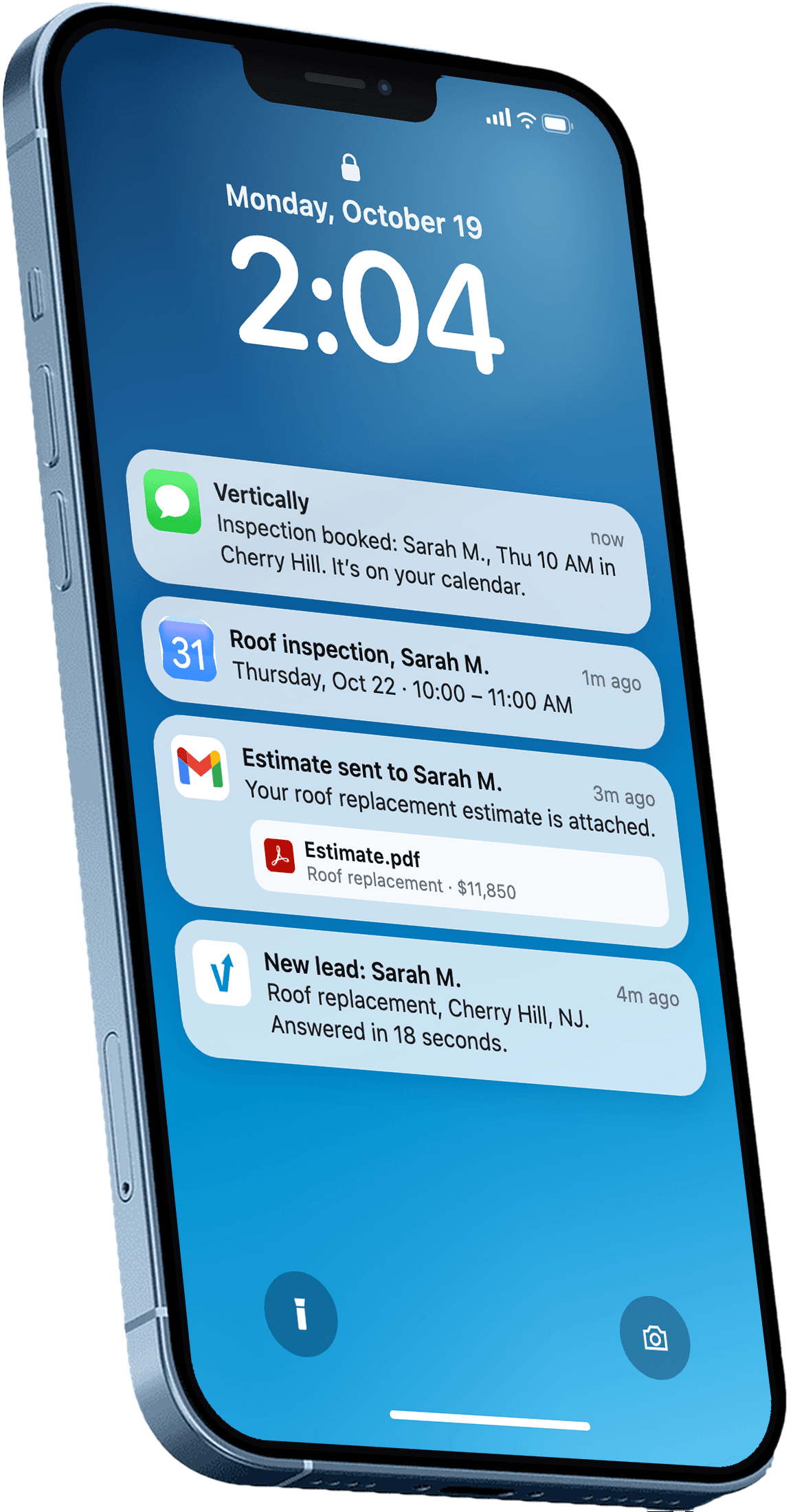
If you want the quote part of your website to respond on its own, Vertically sets up a quote page on your existing site, gives homeowners an instant quote, and places an AI call about 5 minutes later on your behalf. It is free for 30 days with no contract. Book a free systems audit to see how it would look on your site.
Frequently asked questions
What is the most important part of a roofing website?
The contact path matters most: a visible phone number and a short form with a specific button that tells visitors what happens next. Credibility elements like real project photos and reviews should sit close to those calls to action. If a visitor cannot quickly act on what they see, the rest of the design matters less.
Does roofing website design affect Google rankings?
Design affects rankings indirectly through the things search engines and visitors both reward, such as fast loading, mobile-friendly layouts and clear, relevant content. Local service pages and consistent business details also matter for local search. A design change alone is unlikely to fix rankings without the content and local work behind it.
How many fields should a roofing contact form have?
Start with the essentials: name, phone number, city or address, and the service needed. Add questions only when they match the service requested, such as roof size for a replacement. Shorter first forms generally get more submissions because they ask less before the visitor has decided to talk to you.
Should I use stock photos on my roofing website?
Use real photos of your crews and completed projects whenever you can. Stock images of generic contractors make a site look less trustworthy to homeowners who want to see the company that will work on their roof. Before-and-after galleries tagged by city or neighborhood are especially effective.
How often should a roofing website be updated?
Review the site at least a few times a year to check that phone numbers, service areas, reviews and forms still work. Add new project photos and recent reviews regularly so the site reflects current work. Check the mobile experience after any design or plugin change, since a broken form is a common and costly problem.
Answer every lead in under 30 seconds.
Vertically replies to your leads, sends the quote, calls them, and books the inspection on your Google Calendar. Free for 30 days. No contract, no credit card.
Keep reading
- GuideRoofing SEO: Set Up the Local Pieces FirstRoofing SEO starts with your Google Business Profile, service pages and reviews. Here is the order to work through them this month, with sources.Read more
- GuideSEO for Roofing Companies: 6 Questions AnsweredAnswers the questions roofing owners ask about SEO for roofing companies: local listings, reviews, website basics, and where to start this week.Read more