Best Google Business Profile Categories for Roofers
Pick the right primary and secondary Google Business Profile categories for roofers, so your listing matches the searches you want to win in your service area.
By Bogdan Stere
· 5 min read

Choosing the best Google Business Profile categories for roofers is one of the fastest checks you can make on your listing. Your categories tell Google what your business does, which decides the searches your profile can appear for. A wrong or vague category can keep you out of results for the work you actually want.
This guide covers how to pick a primary category, which secondary categories are safe to add, and how to check the result against real search results in your town.
Why Your Google Business Profile Category Matters
Categories are how Google classifies your business. Google uses them to decide when to show your listing, so they shape which roofing searches you can match. Among the fields on your profile, the primary category is the most important one, because it directly influences which searches your listing appears for (Gorizen).
Think of the category as the foundation. Your reviews, photos and posts all help, but they cannot fix a listing that Google has filed under the wrong kind of business.
What the primary category does
The primary category is the single biggest signal about what you do. Google uses it to match your listing to searches such as "roofing contractor" or "roof repair" near a homeowner. ProLine describes the primary category as carrying the most weight, with secondary categories expanding your reach without diluting that main signal (ProLine).
How to Choose the Best Primary Category for a Roofer
For most roofing businesses, the right primary category is Roofing Contractor. It is the most specific label that matches what a homeowner searching for a roof repair or replacement is looking for.
Start with Roofing Contractor
Most roofers should begin and end here. Gorizen recommends choosing the most specific category that describes your main business, and for a roofing company that means "Roofing Contractor," not "Contractor" or "Construction Company" (Gorizen). Roofing Business Partner also names Roofing Contractor as the primary category for roofers (Roofing Business Partner).
Check how the category behaves for your own listing before you change anything. Compare your category against the businesses that already rank in your town, and note which categories they use.
When a more specific category fits
Sometimes a narrower primary category is accurate. If nearly all of your revenue comes from one trade, such as a company that is mostly gutter work, the more specific category may describe you better than the general one. Only use it if it truly reflects most of what you do. A narrow category that does not match your actual jobs will attract the wrong calls and waste your time.
If you are unsure, pick Roofing Contractor and handle the specialty work through secondary categories and your Services section.
Adding Secondary Categories Without Stuffing
Secondary categories let you show Google the additional work you perform. Use them for real services only.
Which secondary categories are true
Add a secondary category only when you perform and quote that service. Examples that roofing companies commonly use include gutter services, siding contractors and roof repair services, if those are real lines of your business. ProLine notes that you can add up to nine secondary categories, and that options like "Gutter Cleaning Service" or "Siding Contractor" work for companies that offer those services (ProLine).
Mistakes to avoid
The most common error is keyword stuffing: adding categories because they sound good, not because you perform them. Google can then struggle to understand what you are, and homeowners who call expecting a service you do not offer will be frustrated. PushLeads warns that categories not matching real services can lead Google to suppress the profile for irrelevant searches, and it recommends sticking to the categories that match most of the jobs you book (PushLeads).
Other mistakes include using categories you stopped offering years ago and keeping a category from a previous business that no longer fits.
Keep Categories Consistent Across Your Listings
Google compares your profile against the rest of the web. Consistency is part of how it decides whether your business is real and active.
Match your NAP and services
Your business name, address and phone number should be identical on your website, your profile and other directories. Inconsistent details confuse Google and can weaken local visibility (ProLine; Resultcalls). Your services list and your website service pages should also agree on the work you do.
If your site needs cleaning up before you touch the profile, roofing SEO: set up the local pieces first covers the order to work in.
Review and update quarterly
Re-check your categories whenever you add or drop a service line. Resultcalls recommends updating your information quarterly so Google sees an actively managed profile rather than a set-and-forget listing (Resultcalls). A calendar reminder is enough.
If you have not set up the profile yet, start with how to set up a Google Business Profile for roofing and then return here to refine the categories.
What to Do This Week
Run a short category audit. It takes less than an hour.
- Open your Google Business Profile and confirm the primary category. If it is anything other than Roofing Contractor, check whether a narrower category truly describes most of your jobs.
- List every secondary category next to the services you actually perform and quote. Remove any category you do not offer and add any real service that is missing.
- Search your target town with terms like "roofing contractor" and "roof repair," then compare your listing against the top three results. Note which categories and services they show that you do not.
- Make the changes, then check that your name, address and phone number match your website.
Some categories may trigger re-verification after a change, so allow time for Google to process the update. Then recheck your search results and note whether you appear for more of the searches you want.
For a complete view of how categories fit with the rest of your local search work, read SEO for roofing companies: 6 questions answered.
Make the audit a standing task. When you add a service line, drop one, or start a new town, update your categories the same week. A listing that matches your real work gives the right homeowners a reason to call.
If your website also needs a clear path from search to quote, Vertically sets up an instant quote flow on your own site, so the leads that arrive from better local visibility get a fast, branded estimate. Book a free systems audit to see whether that fits your business.
Frequently asked questions
What is the best primary category for a roofing company on Google?
For most roofing companies, the best primary category is Roofing Contractor. It is the most specific label that matches what homeowners search for when they need a roof repair or replacement. Use a narrower category only if it truly describes most of your revenue.
Can I have more than one category on my Google Business Profile?
Yes. You choose one primary category and can add secondary categories for other services you actually perform. ProLine notes that you can add up to nine secondary categories, but each one should match real work you quote and deliver.
Will changing my Google Business Profile category affect my rankings?
It can, because categories shape which searches your listing matches. Gorizen notes that changing your primary category may trigger re-verification, so allow time for Google to process the change. Then track your search results to see the effect.
Should I use siding or gutters as a secondary category?
Only if you actually perform and quote that work. Siding Contractor and Gutter Cleaning Service are commonly used secondary categories among roofers, but adding them for services you do not offer can confuse Google and frustrate callers.
Answer every lead in under 30 seconds.
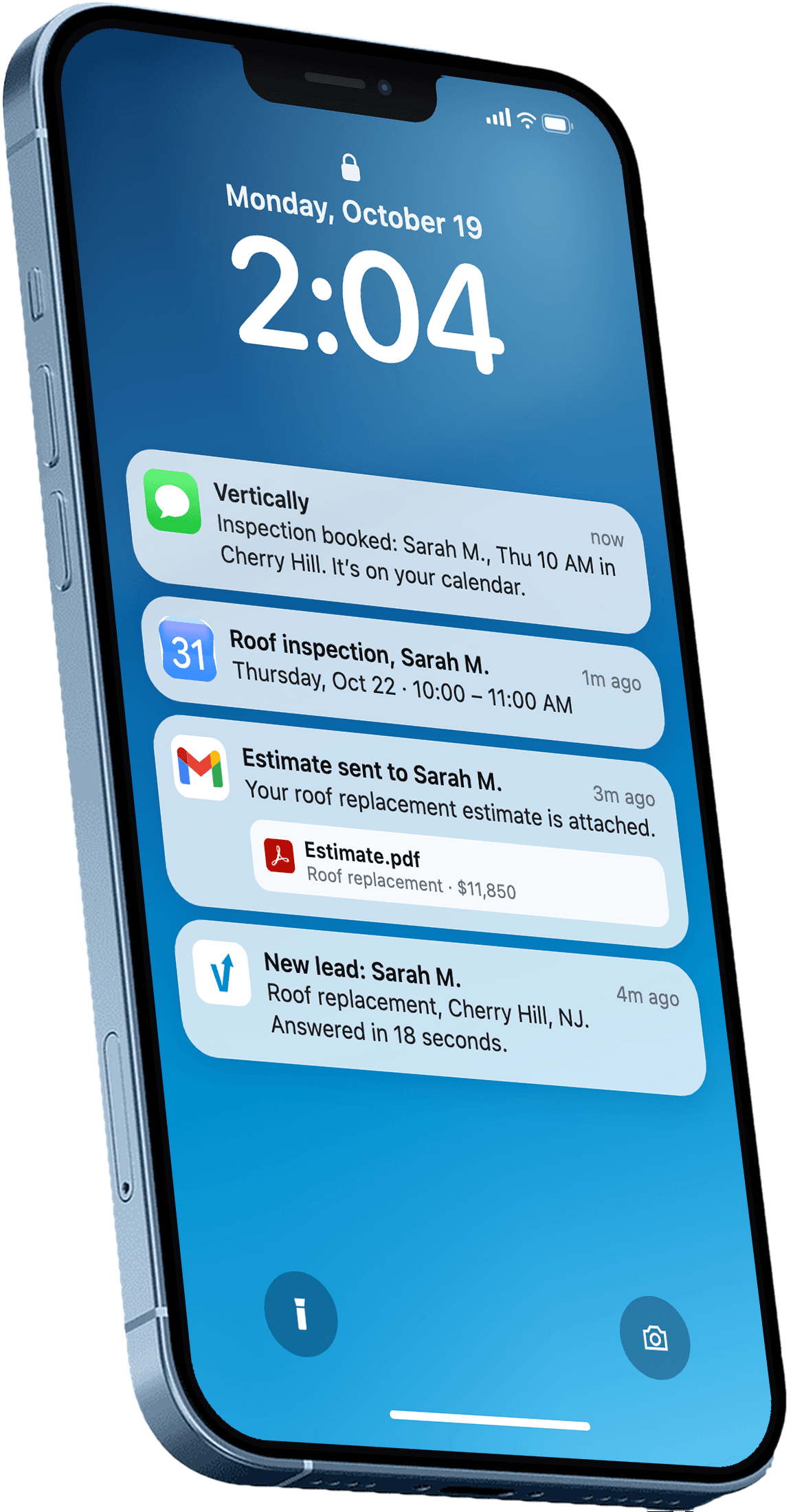
Vertically replies to your leads, sends the quote, calls them, and books the inspection on your Google Calendar. Free for 30 days. No contract, no credit card.
Keep reading
- GuideRoofing SEO: Set Up the Local Pieces FirstRoofing SEO starts with your Google Business Profile, service pages and reviews. Here is the order to work through them this month, with sources.Read more
- GuideHow to Set Up Google Business Profile Roofing: StepsHow to set up Google Business Profile roofing listings: verification, category, service area, photos and reviews, plus answers roofers ask most.Read more
- GuideSEO for Roofing Companies: 6 Questions AnsweredAnswers the questions roofing owners ask about SEO for roofing companies: local listings, reviews, website basics, and where to start this week.Read more