How to Set Up Google Business Profile Roofing: Steps
How to set up Google Business Profile roofing listings: verification, category, service area, photos and reviews, plus answers roofers ask most.
By Bogdan Stere
· 4 min read

Knowing how to set up Google Business Profile for a roofing company is one of the cheapest local marketing jobs you can finish this week. The profile is free, and it controls how your business appears in Google Search and Maps. Roofr's guide for roofers describes it as the place where customers see your business info, real photos and reviews without having to dig for them. The steps below cover what to enter, what usually goes wrong, and what to keep up after launch.
Why your Google Business Profile matters for roofing
Many homeowners start with a local search. A complete profile gives them your phone number, hours, service list, photos and reviews in one place. Gorizen's setup guide calls the profile one signal inside a broader local ranking system, so it works best alongside your website and local citations.
A profile does not rank by itself. It supports your local SEO, which is why it pays to get the basics right before you spend time on anything else.
How to set up your Google Business Profile for roofing
Create and verify your profile
Start at business.google.com and search for your company first. If a listing already exists, claim it instead of creating a second one. ServiceTitan's guide notes that Google will prompt you to claim an existing listing when one already carries your business name.
Enter your business name, address and phone number exactly as they appear on your website and branding. Then request verification. Google usually mails a postcard with a PIN, which can take a few weeks. Roofingbusinesspartner also notes that a profile can sometimes verify automatically if other online sources match your details, such as your website. Start the postcard process early either way, and check the mailbox for the card.
Use an email address you will always control for the account. ServiceTitan recommends a business email rather than a personal one, so the profile stays manageable if staff change.
Pick your category and service area
Set your primary category to Roofing Contractor. Roofr recommends this for most roofing companies. If you offer related work such as gutters or siding, add those as secondary categories where they fit.
Because you work at the customer's property, mark that you deliver services at customer locations. Roofingbusinesspartner recommends this option for roofers. Then define your service area by listing cities, counties or ZIP codes, or by setting a radius. Keep the radius to places you actually take jobs. A realistic 20 to 30 miles is easier to defend than a claim you have never served.
Add services, hours and a description
List each service you sell, such as repair, replacement, inspection, metal roofing or tile. Roofingbusinesspartner suggests listing all of them, since Google uses that list when matching searches.
Set your hours to when someone can actually answer the phone, and use a main business line. Keep the description short and factual: what you do, where you do it and what sets you apart, without keyword lists. Oglinedigital makes the same point, noting that keyword stuffing hurts the reading experience.
Keep your business information consistent
Your name, phone number, address and website should match everywhere they appear. Roofingbusinesspartner warns that inconsistent naming confuses customers and can hurt SEO. Roofr gives a clear example: if the website says "Brella Roofing LLC" and the profile says "Brella Roofs," both customers and Google can get confused.
Check the name on your website header, your directory listings and your social profiles. If you have many citations, a consistency tool can find mismatches faster than checking by hand. Fix the source listing first, then the copies.
Add photos, reviews and ongoing updates
Photos and posts
Upload your logo, crew photos and job-site images. Roofr recommends before-and-after shots when you have permission to use them. Give image files descriptive names such as roof-replacement-chicago.jpg before uploading, since file names are a small signal Google can read.
Post updates regularly. Oglinedigital describes Google Posts as a way to keep your profile active and engaging, and recommends regularly updating photos. A simple habit works: post after a finished job, and share seasonal notes before busy storm or repair seasons.
Reviews
Ask customers for reviews steadily, not in one burst. Oglinedigital recommends responding to every review, positive or negative, so readers can see how you handle problems. Roofr also says to answer customer questions on the profile rather than leave them unanswered.
Common setup mistakes to avoid
- Creating a second listing. If one already exists for your company, claim it. ServiceTitan recommends claiming the existing listing when Google prompts you.
- Setting a service area that is too broad. A radius covering places you never work sends you calls you cannot serve and weakens relevance for the areas you do want.
- Letting the profile sit. Unanswered questions, old photos and stale hours all signal neglect.
Related reading: digital marketing for roofers: a practical system and roofing website design: 7 mistakes that cost you leads.
What to do this week
Open your profile and check five things: the name matches your website, the category is Roofing Contractor, the service area reflects real work, the hours match when someone answers the phone, and the newest reviews have replies. If you have no profile or it is unverified, request the postcard today.
If you have a website, Vertically can set up a quote page linked from it, so visitors who find you on Google can request an instant quote. You can book a free systems audit here.
Frequently asked questions
How long does Google Business Profile verification take for a roofer?
Verification by postcard can take a few weeks, and sometimes longer if the card is delayed or you need to retry. [Roofr](https://roofr.com/blog/roofers-guide-google-business-profile) advises starting early for this reason. Some profiles verify automatically when other online sources match your business details.
Can I set up a Google Business Profile without a storefront?
Yes. Roofers without a walk-in location can use a service area instead of a visible address. [ProLine](https://useproline.com/google-my-business-profile-for-roofers/) notes that service-area businesses still need to tell Google which towns and ZIP codes they cover.
What category should a roofing company choose?
Most roofing companies choose Roofing Contractor as the primary category. Related services such as gutters or siding can go in secondary categories where they fit. [Roofingbusinesspartner](https://www.roofingbusinesspartner.com/blog/how-to-optimize-your-roofing-google-business-profile) suggests choosing the category that best describes your main work.
Do reviews on Google Business Profile affect roofing leads?
Reviews are a visible trust signal that customers see when they find your listing. Responding to reviews, positive and negative, shows how you handle problems. [Oglinedigital](https://www.oglinedigital.com/insights/google-business-profile-mastery-for-roofers) recommends both asking for reviews and replying to them.
How often should I post updates to my roofing Google Business Profile?
Regular posting keeps the profile looking active. [Oglinedigital](https://www.oglinedigital.com/insights/google-business-profile-mastery-for-roofers) recommends regular updates through Google Posts and fresh photos, and the right rhythm is one you can keep up. Posting after completed jobs and adding new photos are simple ways to stay active.
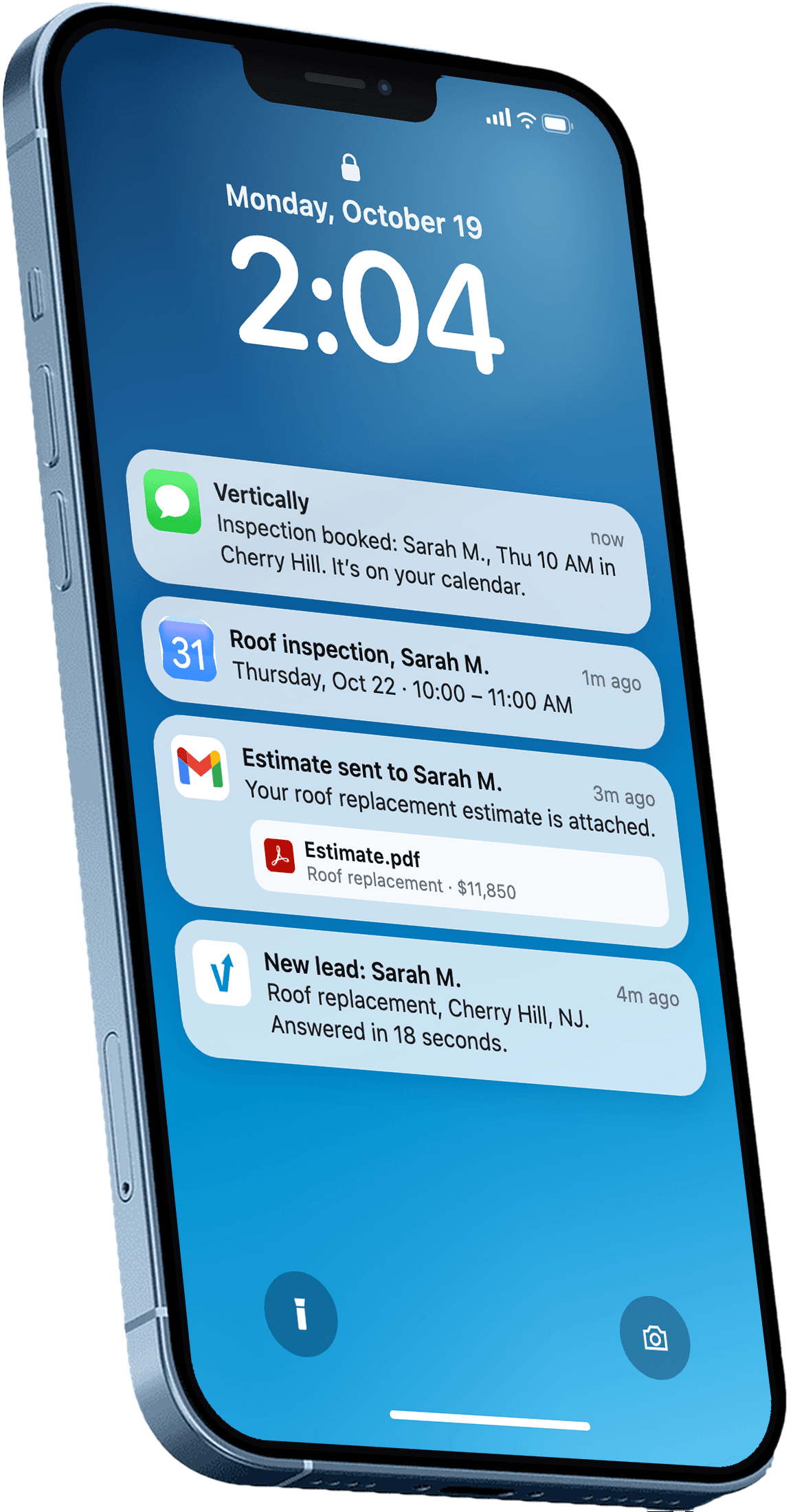
Answer every lead in under 30 seconds.
Vertically replies to your leads, sends the quote, calls them, and books the inspection on your Google Calendar. Free for 30 days. No contract, no credit card.
Keep reading
- GuideDigital Marketing for Roofers: A Practical SystemDigital marketing for roofers works best as one system: website, Google Business Profile, reviews, and fast lead response. Here is how to set it up.Read more
- GuideRoofing Website Design: 7 Mistakes That Cost You LeadsAvoid common roofing website design mistakes that hurt rankings and lead volume, from vague CTAs to slow pages and missing local details. Fixes included.Read more