Can Roofers Hide Their Address on Google Business Profile?
Can roofers hide address Google Business Profile? Yes, if you work at customer properties. Here is how to set it up, what it costs your rankings, and what.
By Bogdan Stere
· 4 min read

Yes, a roofer can hide their address on Google Business Profile if the business travels to customers and does not serve anyone at its own address. Google calls this a service area business. You enter a real address so Google can verify you, clear it from public display, and list the areas you serve. Hiding the address is allowed, but it changes how your profile ranks, so the setup needs care.
Can roofers hide address on Google Business Profile?
When hiding the address is allowed
Google's rule is based on fact, not preference. If customers come to your location during posted hours, you show the address. If your crews go to customers' properties and nobody is served at the business address, you hide it. A roofing company that works only at customers' homes and buildings fits the second case, according to GBPcentral's guide for roofers.
The address you enter still has to be a real place where the business operates, such as your garage, a shop, a warehouse or a staffed office. A mailbox or a virtual office does not qualify, and Google does not accept P.O. boxes or mailboxes at remote locations as addresses.
What Google means by a service area business
A service area business travels to or delivers to customers and does not serve them at its own address. Google allows up to 20 service areas, defined by city, county or postal code. Theory Road's setup guide lists roofers alongside movers, cleaners and HVAC contractors as businesses that typically fit this category.
A hybrid business, such as a roofer that also runs a showroom customers visit, shows its address and adds service areas on top.
How to hide the address and set service areas
Setup and verification steps
Open your profile, choose Edit, then Location. Turn off the option that shows your business address to customers. Google keeps the address on file for verification and ranking, but customers will not see it. Then add your service areas.
Google expects the profile name to match your real business. Enter the legal name as it appears on your license and signage, without city names or service keywords. Roofingsites notes that keyword-stuffed names that do not match a truck's signage are a common cause of suspension.
Choosing the 20 service areas
Service areas must sit within about two hours of driving from your base, according to GMB Expert USA's guide on service area businesses. That same guide advises starting with the places where most of your jobs come from.
Pull a list of your last 12 months of completed jobs and count them by city or ZIP code. Use that list to choose your areas. Owners often use their slots on towns they worked in once and leave out the suburbs where crews work every week, so check the list against your actual schedule.
Does hiding your address hurt rankings?
Where ranking actually comes from
Hiding the address does not stop you from ranking, but your location still drives your results. GMB Expert USA says that service areas mostly control what customers see, while rankings are strongest near your verified base and weaken as you move farther out. Listing a distant city will not make you rank there.
Reviews, photos, posts and consistent business details also matter. Talents Into Profits argues that a correctly configured service area business with consistent name, address and phone data across the web generally holds stable rankings.
Mistakes that make it worse
Some sources argue that a poor setup can reduce local pack visibility. Talents Into Profits lists three common causes: hiding the address without adding service areas, weaker local signals when the address is hidden, and conflicting data. Its point about conflicts matters most. If your directory listings show a home address while your Google profile hides it, the mismatch can weaken trust.
Check your citations on directories such as Yelp, BBB and industry sites so the details match what you enter on Google.
Setup mistakes that can get a profile suspended
Business name and address pitfalls
Roofingsites lists several common triggers: keyword-stuffed names, a UPS Store or coworking desk listed as the address, sharing an address with another contractor's verified listing, duplicate listings left over from an old office, and sudden bulk edits to the category or address.
YDOP's study of roofing profiles found that 7.02% of roofing companies put a city, county or community into their profile name. The same study said keyword stuffing goes against Google's terms and can lead Google to overwrite a name or remove the listing.
Service area slot use
Service area slots are capped at 20, so spend them carefully. Do not add towns you only drove through. Revisit the list each season, since crew routes change as your business grows.
What to check this week
- Confirm the profile name matches your truck signage and your license.
- Confirm the business address is hidden and the address you entered is a real, operating location, not a mailbox.
- Compare your 20 service areas against your last 12 months of completed jobs and swap out areas with no recent work.
- Check that your address and phone number match across your directory listings.
Related reading: google business profile suspended? 7 roofing mistakes to avoid.
Next step
A hidden address keeps your home off the map, but your profile is only one piece of getting roofing leads. Before you spend time on it, work through the local pieces in the roofing SEO overview, which covers the basics to set up first. Once your profile is correct and your website matches it, you can focus on the leads that come in. To see where your local setup and lead handling stand today, book a free systems audit with Vertically, which sets up a quote page on your website that responds to web leads and sends an AI call about five minutes later.
Frequently asked questions
Can I hide my home address if I work from home?
Yes, if you work from home and do not serve customers at that address, you can hide it on your Google Business Profile. Google still needs the address for verification, so it must be a real place where the business operates. A mailbox or virtual office does not qualify.
How many service areas can a roofing business list on Google?
A service area business can list up to 20 service areas, defined by city, county or postal code. Google does not allow a radius setting. Choose the areas where your jobs actually happen, since the cap is firm.
Will hiding my address make me rank lower in the map pack?
Hiding the address does not stop you from ranking, but your verified location still drives most of your rankings. Service areas mainly control what customers see, and rankings tend to weaken as you move farther from your base. A mismatch between your hidden address and your directory listings can also hurt trust.
Why was my roofing Google Business Profile suspended?
Common causes include keyword-stuffed business names, a virtual office or mailbox listed as the address, sharing an address with another verified contractor, and duplicate listings from an old office. Sudden bulk changes to the category or address can also trigger a review. Check your name, address and listings against Google's guidelines first.
How far out from my base can I list service areas?
Service areas should fall within about two hours of driving from your base, according to GMB Expert USA's guide. Use drive time as the practical test, and list only areas you actually serve.
Answer every lead in under 30 seconds.
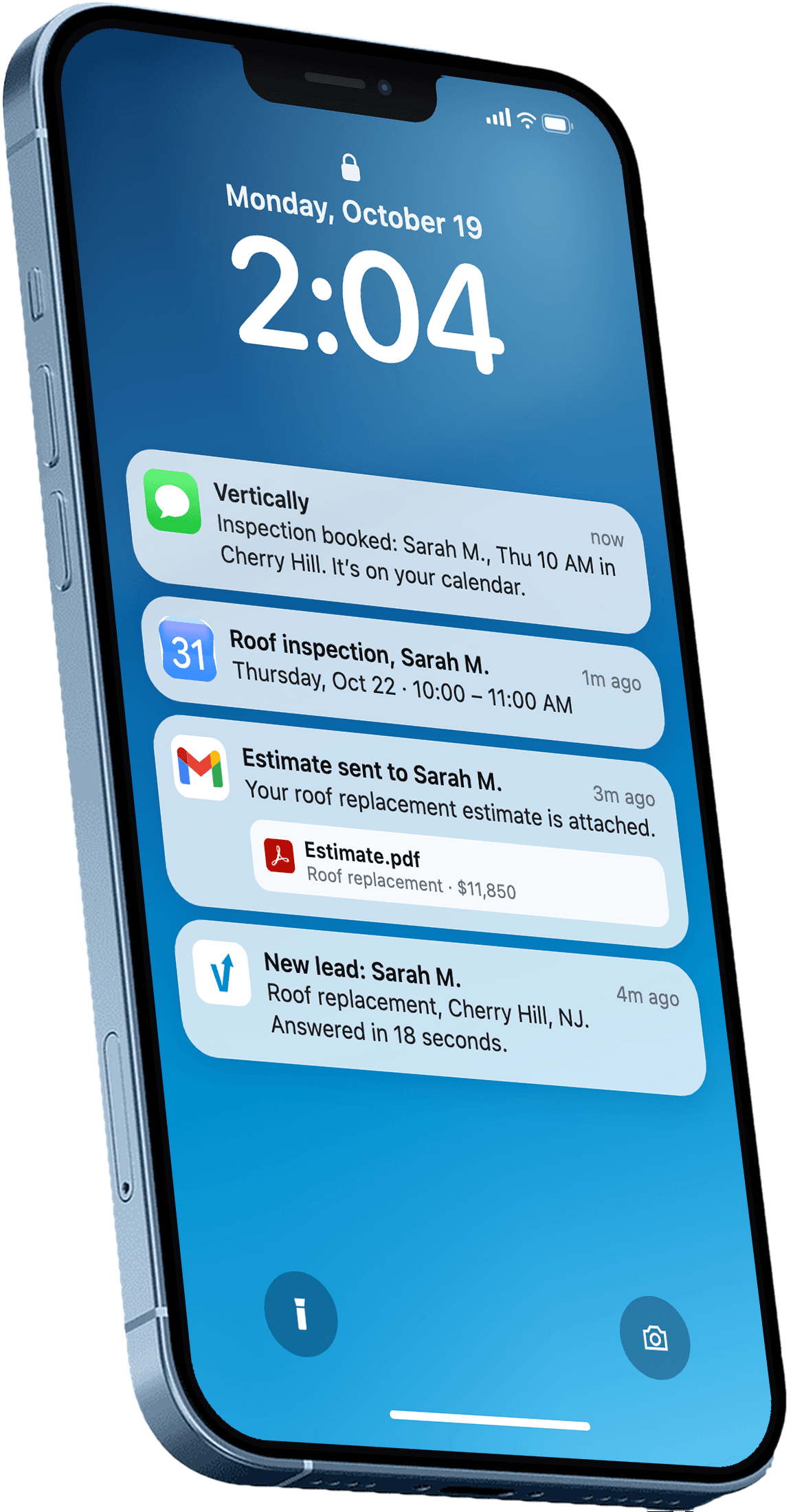
Vertically replies to your leads, sends the quote, calls them, and books the inspection on your Google Calendar. Free for 30 days. No contract, no credit card.
Keep reading
- GuideGoogle Business Profile Suspended? 7 Roofing Mistakes to AvoidA google business profile suspended roofing company can lose leads fast. Learn the common mistakes that trigger suspensions and how to avoid them.Read more
- GuideRoofing SEO: Set Up the Local Pieces FirstRoofing SEO starts with your Google Business Profile, service pages and reviews. Here is the order to work through them this month, with sources.Read more