Google Business Profile Suspended? 7 Roofing Mistakes to Avoid
A google business profile suspended roofing company can lose leads fast. Learn the common mistakes that trigger suspensions and how to avoid them.
By Toby Karamoutchev
· 4 min read
A suspended Google Business Profile can hide your roofing company from Maps and local search, so homeowners looking for a roof repair may never see your name. For a roofing business that depends on nearby calls, that is lost work every day the listing stays down. Most suspensions trace back to a handful of avoidable profile errors, and you can check for them this week.
Why a Suspended Google Business Profile Hurts a Roofing Company
Soft and hard suspensions are different situations. A soft suspension can leave your profile visible while limiting what you can manage, and a hard suspension usually removes the listing from public view (Limitless Local's roofer checklist and 99 Calls' guide to suspension causes both describe this split). Which one you have decides how urgent and how involved your response needs to be.
Check the type first. Search your exact business name in a private browser window. If the listing still appears but you cannot edit it, you are likely looking at a soft suspension. If it is gone from Maps results, treat it as a hard suspension and plan for a full appeal.
Mistake 1: Listing a Home Address When Customers Don't Visit
Many roofers run the business from home, and that is allowed. The problem starts when the home address is shown publicly even though no customers come there. Roofers working from home should hide the address and list a service area instead (Zonic Media's reinstatement guide and TradesPro's contractor fix guide both list address setup among the things contractors should check).
Fix it by switching the profile to a service-area business and hiding the address in the settings.
Mistake 2: Putting Keywords in the Business Name
Adding search terms to the name, such as "Smith Roofing | Emergency Roof Repair | Boston," breaks the rule that the name should match how the business is known in the real world. iMark InfoTech's roofing analysis and 99 Calls both list keyword-stuffed names as a violation.
Use the company name exactly as it appears on your license, invoices and signage. Move the service words into your categories and your website.
Mistake 3: Creating Duplicate Profiles
Older listings, a second profile made after a problem, or separate profiles for "Smith Roofing" and "Smith Roof Repair" can all represent one company. 99 Calls describes multiple profiles for the same business as a suspension trigger.
Search for every profile tied to your phone number and website, and keep one. Do not create a new listing to replace a suspended one. Limitless Local notes that Google says not to create a new profile for the same business, and a second profile adds a duplicate problem to the suspension (Limitless Local).
Mistake 4: Using a Virtual Office or Mailbox as Your Location
Virtual offices, UPS-style mailboxes and unstaffed coworking addresses are a common trigger for contractors (99 Calls). A roofer who wants to appear in a nearby town may rent a mailbox there, and that address does not reflect where the business operates.
If you do not have a real, staffed presence at an address, do not list it as your location.
Mistake 5: Setting Up a Storefront When You Are a Service-Area Business
A storefront setup for a company that only goes to customers conflicts with the listing rules. TradesPro notes that Google expects the address or service area to reflect where and how you actually operate. Check whether your setup matches your work: do customers come to you, or do you go to them?
Mistake 6: Mismatched Information Across Your Web Presence
Your name, address, phone number, category and website should agree with your license, your invoices and your website. When they conflict, the profile can look unreliable. Limitless Local lists proof such as business registration, a business license, tax certificates and utility bills as evidence that can support an appeal, and the business name and address on those documents should match the profile.
Mistake 7: Appealing Without Evidence
An appeal with no documents gives Google nothing to check. Limitless Local says appeals can only be submitted once, so attach everything the first time. Gather your registration, license and a recent utility bill that match the profile before you submit.
How to Audit Your Profile This Week
Work through these checks in order:
- Search your exact business name and confirm the listing appears. If it does not, treat it as a profile problem first.
- Compare the name, address, phone and category against your website, invoices and license.
- Confirm you have one profile for the business, not several.
- Check that your address setting matches how customers reach you.
- Save your evidence documents in one folder before you touch the appeal.
Related reading: google business profile service area roofing setup mistakes and best google business profile categories for roofers.
Recommendation for This Week
Pick the one mistake most likely to apply to you, fix it, and keep the evidence. If the profile is healthy again, make sure the web leads that come from it get a fast response, because a quote request that waits a day is a lead you may not win back.
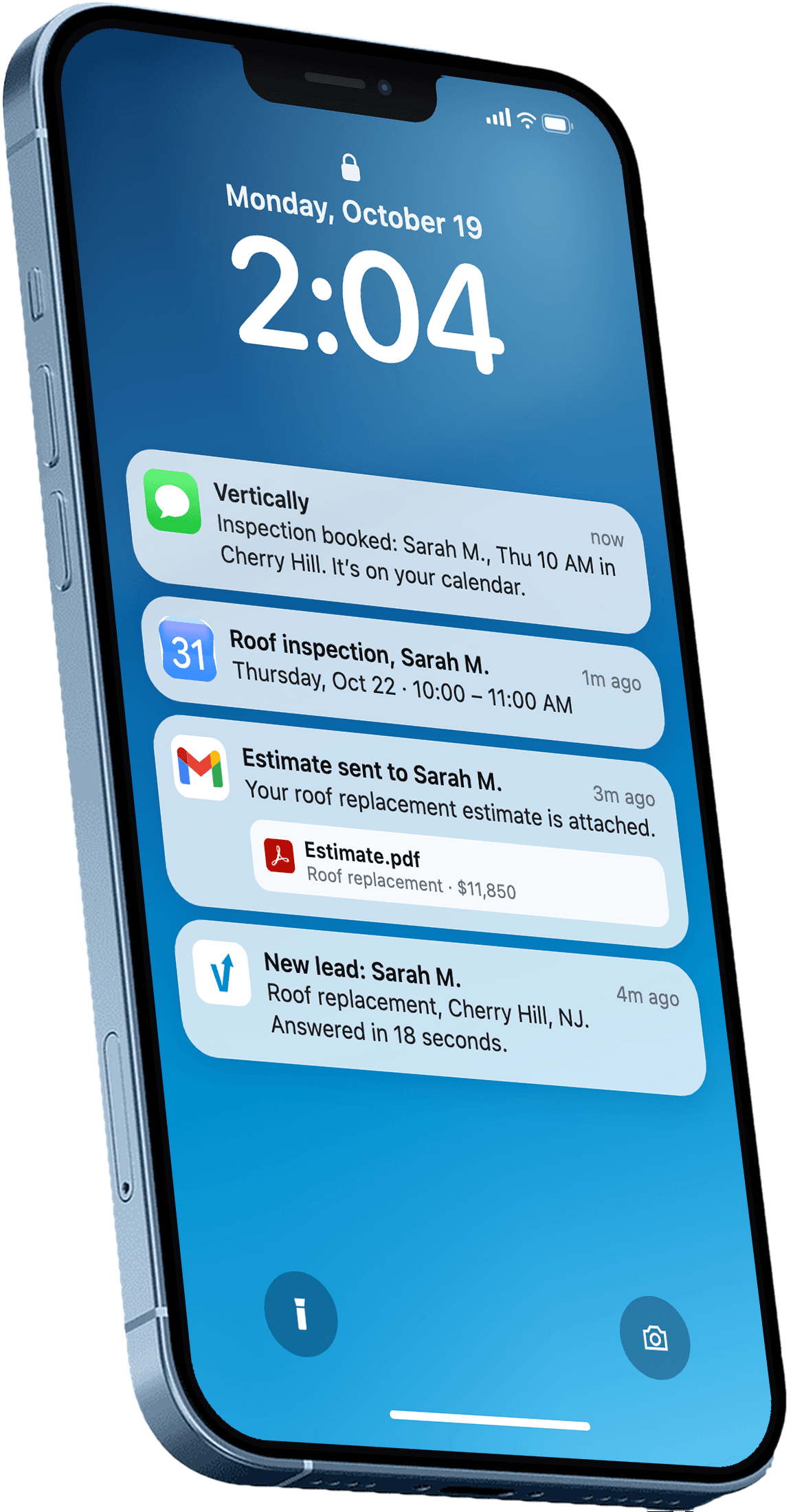
Ready to see how Vertically handles that part? Book a free systems audit and we will walk through how Vertically sends an instant quote and an AI call about 5 minutes later so web leads don't go cold.
Frequently asked questions
Why did my Google Business Profile get suspended for no clear reason?
Google does not always explain a suspension clearly. The appeals tool can show the decision, the date, the reason and the policy linked to it, so check there first. Common causes for roofers include an address setting that does not match where customers go, a keyword-stuffed name, or a duplicate profile.
Can I just create a new Google Business Profile for my roofing company?
No. Limitless Local notes that Google says not to create a new profile for the same business while a suspended one is under review. A new listing can be linked back to the old one and may be suspended for the same reason.
How long does a roofing Google Business Profile reinstatement usually take?
Timing varies and no reliable general figure applies to every case. Limitless Local notes that Google says edits to a verified profile are reviewed before they show, and that review can take up to 10 minutes or up to 30 days, so plan for a wait and keep your evidence ready.
Should a roofer who works from home list a home address?
Usually not publicly. If customers do not visit your home, hide the address and set up a service area instead. Showing a home address when you do not see customers there is a common trigger for suspension.
How do I check if my roofing listing is hidden or just ranking low?
Search your exact business name on Google Maps. If your profile does not appear at all, it is a profile problem such as a suspension, duplicate or unapproved edit. If it appears for your name but not for searches like roof repair, it is live and losing on ranking.
Answer every lead in under 30 seconds.
Vertically replies to your leads, sends the quote, calls them, and books the inspection on your Google Calendar. Free for 30 days. No contract, no credit card.
Keep reading
- GuideGoogle Business Profile Service Area Roofing Setup MistakesAvoid the common google business profile service area roofing setup mistakes that hide your listing from nearby homeowners, with fixes you can make this week.Read more
- GuideBest Google Business Profile Categories for RoofersPick the right primary and secondary Google Business Profile categories for roofers, so your listing matches the searches you want to win in your service area.Read more