Google Business Profile Service Area Roofing Setup Mistakes
Avoid the common google business profile service area roofing setup mistakes that hide your listing from nearby homeowners, with fixes you can make this week.
By Bogdan Stere
· 4 min read
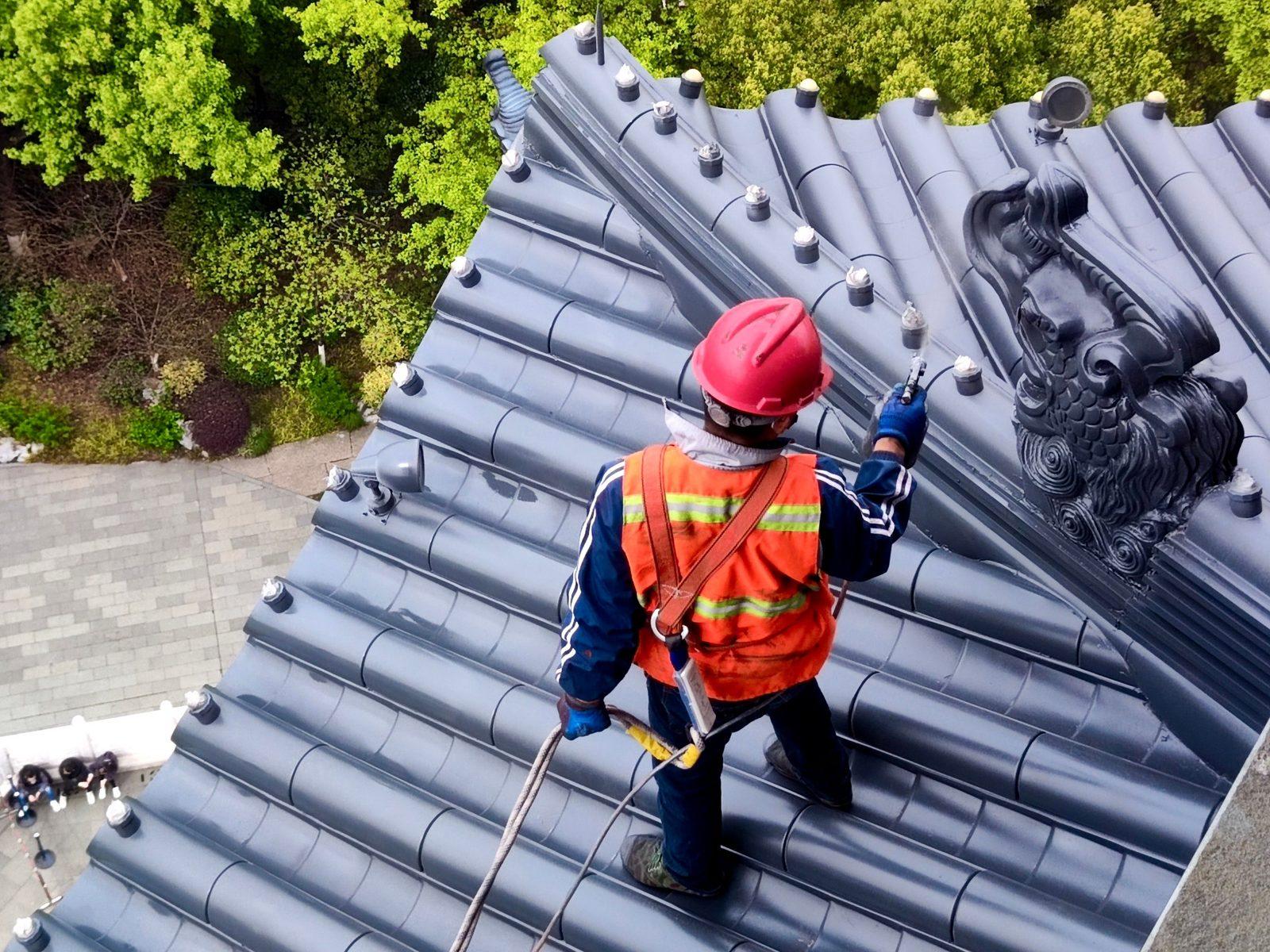
Your google business profile service area roofing setup decides which nearby homeowners can find your listing when they search for a roofer. Get the service area wrong and your profile can be shown to the wrong towns, or to no one at all. Most of the problems are small settings that take a few minutes to correct.
This post covers the mistakes that most often hold roofing listings back, and what to change for each one.
Why the service area setting matters for roofers
The service area tells Google where you work. In the setup flow you enter a central address and a radius you serve, and that radius shapes where your business can appear in local results. According to Roofr's guide to Google Business Profiles for roofers, you add your central address and the radius you serve during setup, and Roofr suggests a larger radius only if you are willing to drive out for jobs.
Visibility is also tied to how complete the profile is. ServiceTitan's Google Business Profile guide for roofing businesses explains that the Local Map Pack, the three-listing map insert, is the biggest advantage of a profile, and that businesses appear there for urgent local searches like "roof repair near me." A service area that is wrong undercuts that.
What a service area tells Google and homeowners
Google uses the service area to match your profile to searches in those places. Homeowners see the towns you list, so the list also signals whether you will come to their address. A clear, accurate list does both jobs.
Mistakes to avoid in google business profile service area roofing setup
Setting a radius that is too small or too large
A radius that is too narrow cuts off nearby jobs you would happily take. A radius that is too wide makes you look like you serve places you cannot reach in a day. Choose the number based on the distance your crews can realistically cover for jobs, not on how much reach you would like.
Mixing up the business address with the service area
Your business address and your service area are separate settings. For a service-area business, the address you enter is your base, and the area is the ground your crews cover. Confusing them can leave the listing placed around the wrong point.
Listing towns you do not actually serve
Every town on the list is a promise. Local SEO Company's 2026 optimization guide for roofers recommends listing every city you actually serve and no others. Only list towns your crews can genuinely reach and staff.
Fixes to make this week
Audit your service area against real job history
Pull the last 12 months of jobs from your records and list the towns where they happened. Then compare that list to your service area. Add towns you regularly work in and remove ones you rarely reach. If you have a central base, check that the radius covers those towns without reaching far past them.
Keep the audit to facts from your own job records. Your list should be your history, not what you hope to win next.
Check the category and contact details match your website
Make sure the business name, phone and website match your branding exactly. Roofr says to use your real business name as it appears on your branding and website, and to add phone, website and email. ServiceTitan adds that consistent details across platforms help search engines recognize and rank your profile. If you are unsure which category to pick, our guide to best Google Business Profile categories for roofers covers the options.
Verification and other setup gaps that block visibility
Verification delays
Verification uses a postcard with a code sent to your mailing address. Roofr notes that this can take a few weeks, or a few tries, so start early. Check your verification status before assuming a service area change has taken effect. Local SEO Company's guide notes that a profile is not ranked until it is verified.
Incomplete profile sections
PushLeads recommends completing every section, including category, services, service area, hours and description, since a complete profile is better positioned in local results. Fill in the services you offer, such as roof repair, inspection, gutter work and venting, so searchers see what you do as well as where you do it.
For a full walk-through of the setup steps, see our step-by-step Google Business Profile roofing setup guide.
Connect the service area to your roofing SEO
Your service area should also match your website. If your site names towns you list in your profile, the two reinforce each other. Our roofing SEO setup basics post covers the local pieces to build first, including pages that match the towns you serve.
What to do this week
Start with the audit. Pull your last 12 months of jobs, compare the towns to your service area, and fix the radius and town list. Then check your name, phone and website against your branding and confirm your verification status. Those three steps catch most of the setup errors that hide a roofing listing from nearby homeowners.
If you also want homeowners who find your business to request a quote right away, Vertically can set up a quote page linked from your website, which lets local visitors get an instant estimate. You can start a free 30-day trial with no contract and no credit card.
To book a free systems audit and see how this would work for your roofing company, book a call here.
Frequently asked questions
Should I list my home address as my service area?
Not as a general rule. Your service area is the ground your crews cover, and your business address is your base. Use an address you are allowed to publish, and check current Google rules on whether your setup qualifies before you add anything more specific.
How big should my service radius be for a roofing company?
Set the radius to the distance your crews actually travel for jobs. Roofr suggests a larger radius only if you are willing to drive out for jobs. Base the number on your job history rather than on the largest area you would like to cover.
Can I add towns I only occasionally serve?
You can, but only if you can genuinely staff those jobs. Every town you list is a promise to a homeowner, so list only the towns your crews can reliably reach.
How long does Google Business Profile verification take for roofers?
Verification uses a postcard with a code sent to your mailing address, and Roofr notes it can take a few weeks or a few tries. Start early, because your profile will not rank as fully until it is verified.
Does service area setup affect roofing SEO rankings?
It affects where your profile can show up in local results, so it is one of the local signals that matter. It works best alongside a complete profile, consistent details and pages on your website that match the towns you serve.
Answer every lead in under 30 seconds.
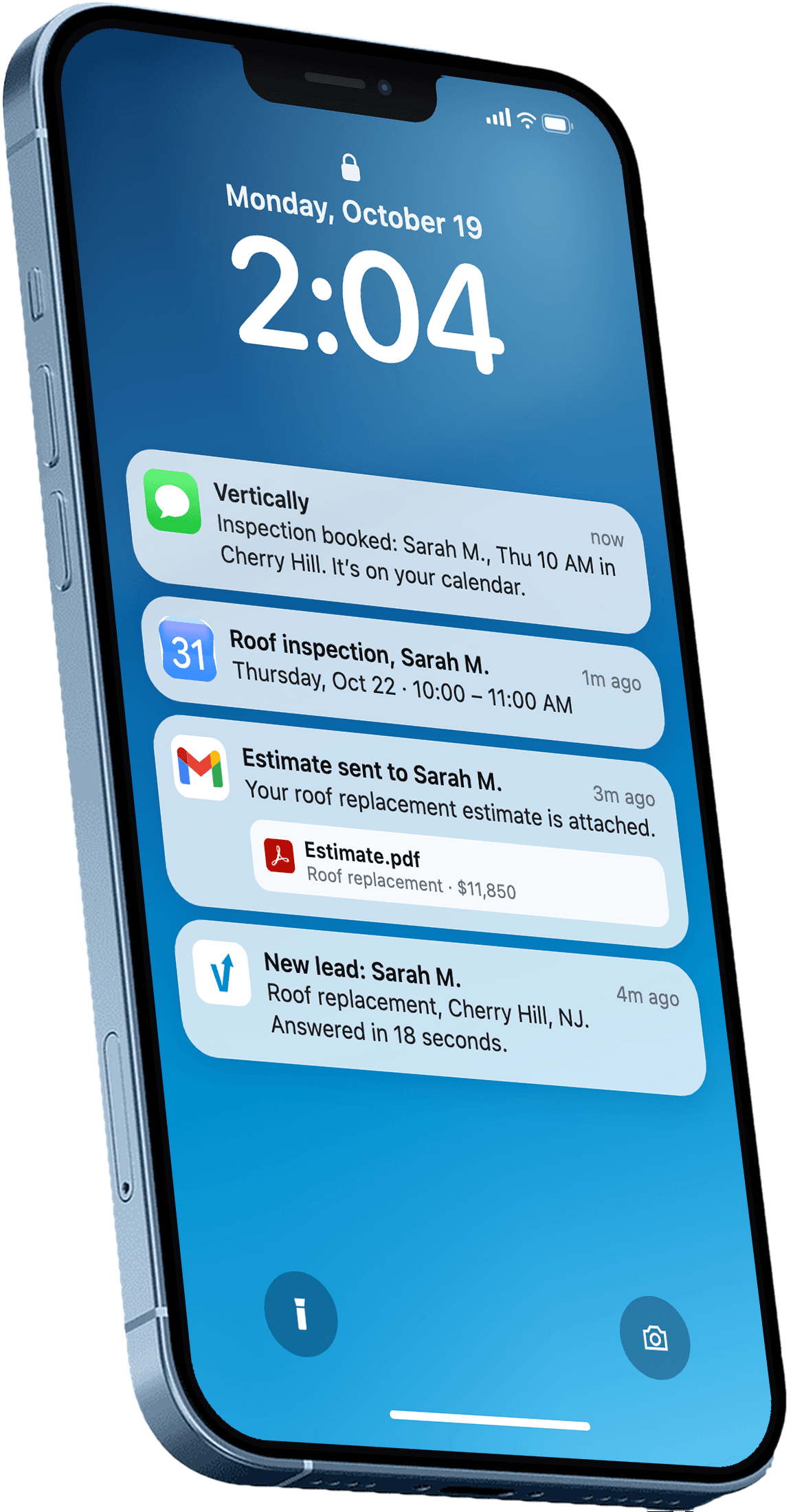
Vertically replies to your leads, sends the quote, calls them, and books the inspection on your Google Calendar. Free for 30 days. No contract, no credit card.
Keep reading
- GuideBest Google Business Profile Categories for RoofersPick the right primary and secondary Google Business Profile categories for roofers, so your listing matches the searches you want to win in your service area.Read more
- GuideHow to Set Up Google Business Profile Roofing: StepsHow to set up Google Business Profile roofing listings: verification, category, service area, photos and reviews, plus answers roofers ask most.Read more
- GuideRoofing SEO: Set Up the Local Pieces FirstRoofing SEO starts with your Google Business Profile, service pages and reviews. Here is the order to work through them this month, with sources.Read more