Google Business Profile Mistakes Roofing Contractors Make
The google business profile mistakes roofing contractors make: wrong categories, mismatched NAP, weak photos and unanswered reviews. Fixes you can make this.
By Bogdan Stere
· 5 min read
Your Google Business Profile is often the first thing a homeowner sees when they search for a roofer nearby. Small setup errors, like the wrong category, a name with extra keywords, or inconsistent contact details, can quietly keep a verified profile from ranking as well as it could. Many of these fixes are quick to make. Here are the common google business profile mistakes roofing contractors make, and what to change this week.
Mistakes in Your Category and Business Name
Choosing the wrong primary category
Your primary category tells Google what your business mainly does. ProLine's guide to Google My Business for roofers recommends "Roofing Contractor" as the usual best fit, and says to list specialty services as secondary categories. Its example of secondary categories includes "Gutter Cleaning Service" and "Siding Contractor," which you should only add if you actually do that work.
A generic primary category, such as "Home Improvement" or "Construction Company," competes with every kind of contractor. Check your category now, then add secondaries only for real revenue streams. Our guide to the best Google Business Profile categories for roofers walks through the choices.
Keyword-stuffing the business name
Putting search terms in your name, such as "Smith Roofing | Best Roof Repair Near Me," is one of the most damaging errors. BizIQ's 2026 setup guide gives a direct example, changing "Smith Roofing" to "Smith Roofing Best Roofer Phoenix Fast," and warns that this violates Google's guidelines and can get a profile suspended, which removes it from results entirely.
Use your real business name exactly as customers know it. Let your categories, description, services and reviews carry the keywords instead. If your name currently contains extra terms, change it back to the legal name to avoid a suspension risk.
Mistakes in Business Information and Service Area
Inconsistent NAP across the web
NAP stands for name, address and phone number. ProLine notes that inconsistent details confuse Google and mean fewer leads. Keeping these details consistent is one of the simplest ways to protect your local visibility.
Check your business name, address and phone number on your website, your Google profile, Yelp, Yellow Pages and any other directory you appear in. Use the same format everywhere, including area code. Also check for duplicate listings. BizIQ points out that two profiles for one business split your reviews and confuse Google, so claim and merge them.
Showing or hiding your address incorrectly
Many roofers work from a home office or a truck and have no storefront. BizIQ explains that contractors without a storefront set up as a service area business: they verify an address, hide it, and list only the areas they truly serve. Local SEO Company's 2026 guide adds that Google can detect when a roofer claims ten towns but never actually works in them.
Decide whether you have a public storefront. If you don't, hide the address and list only real service areas. If you're unsure how this applies to your setup, read whether roofers can hide their address on Google Business Profile and service area setup mistakes to check.
Mistakes With Photos, Reviews and Ongoing Updates
Neglecting photos and posts
A profile that is set up once and never touched tends to stall. Lion Click Media describes this "set-and-forget" approach as a common pitfall, since Google's local algorithm favors businesses that signal ongoing accuracy.
Roofsmedia lists poor photos as a separate mistake, so use real photos of finished roofs, crews and your trucks rather than stock images. For a checklist, see what photos to upload to Google Business Profile for roofing and Google Business Profile posts ideas for roofers.
Leaving reviews unanswered
Reviews affect both trust and ranking. Roofsmedia says failing to manage and respond to reviews can harm your reputation, and recommends checking your profile regularly and replying promptly to positive and negative reviews alike. ProLine suggests checking for new reviews weekly.
When you reply to a negative review, keep it short, professional and specific. Don't argue the details in public. Local SEO Company also warns against buying or faking reviews, because Google detects that and can drop rankings or suspend the profile.
Ignoring Your Profile Insights
Your profile shows how people find your listing, such as searches, map views, calls, and website clicks. Roofsmedia calls these insights valuable and recommends reviewing them regularly so you can adjust your marketing. ProLine makes the same point: track calls, messages and website clicks, then do more of what brings leads.
Look at insights once a month. If calls drop after a category or name change, you'll see it quickly and can reverse it.
A One-Week Fix List for Your Profile
- Audit your category. Confirm your primary category is "Roofing Contractor" or a close roofing equivalent, and remove any secondaries you don't actually offer.
- Clean up your name. Use your real business name with no keywords, locations or slogans.
- Match your NAP. Compare name, address, phone and hours against your website and top directories, and fix any mismatches.
- Set your address and service areas. Hide the address if you have no storefront, and list only towns you really serve.
- Upload fresh photos. Add recent job photos, your crew and your vehicles.
- Set a review routine. Check for new reviews each week and reply to each one.
- Schedule an insights check. Review your profile metrics once a month.
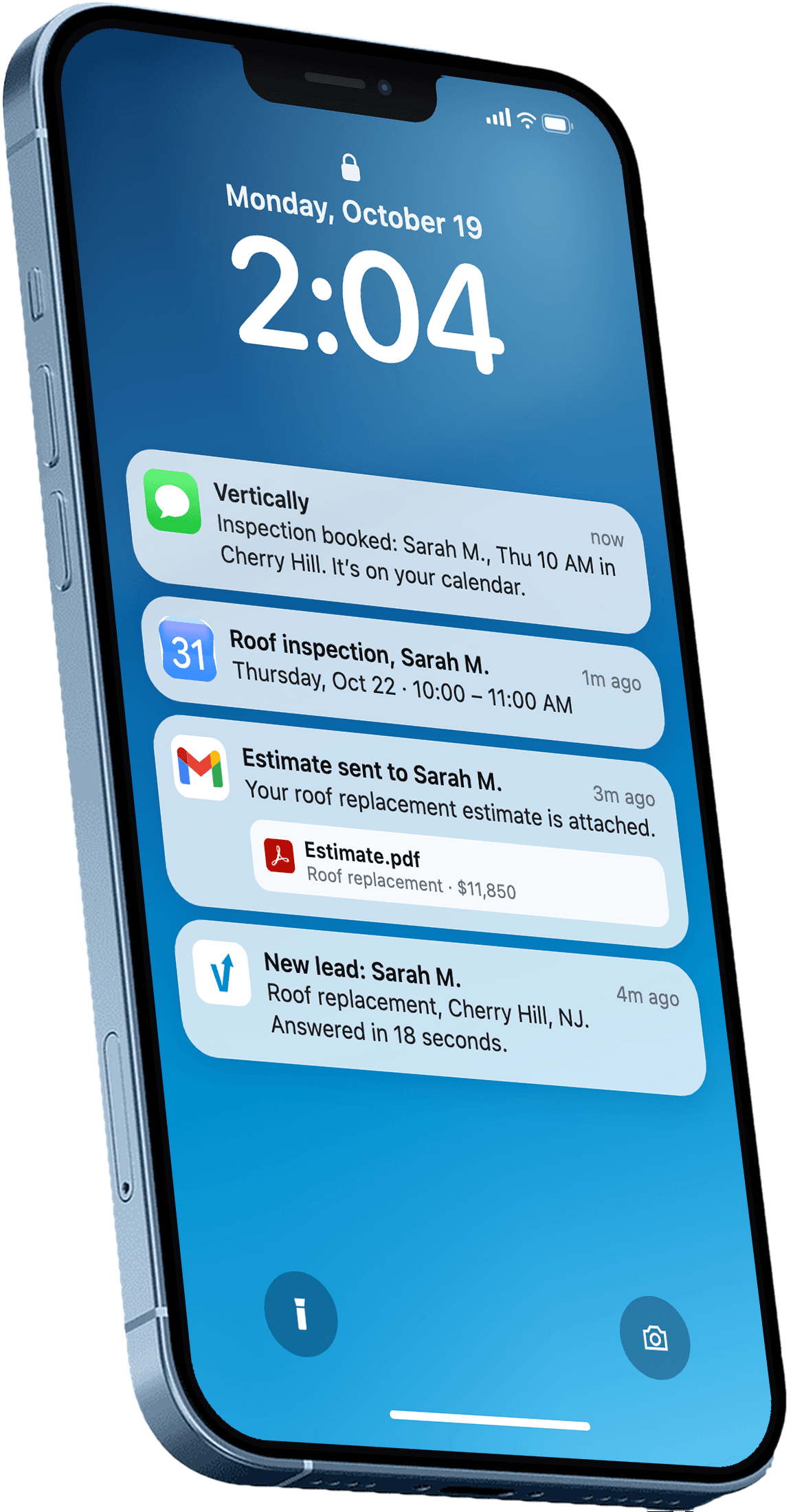
If you want a bigger picture of local search for your company, see roofing SEO: set up the local pieces first. Once the profile is right, the next step is making sure web leads get a fast response. Vertically is our product. It builds an instant quote for web leads from your own pricing, sends it to the homeowner, and places an AI call about 5 minutes later to book an inspection on your calendar. You can see how it fits in with local visibility on our roofing answering service page.
Recommendation for This Week
Start with the name and category check, because those errors can cause the most damage and take the least time to fix. Then match your contact details everywhere and set your review reply routine. If you'd like help setting up the follow-up side of your web leads, you can book a free systems audit at https://cal.com/vertically/free-systems-audit?overlayCalendar=true, where we'll look at how Vertically could send instant quotes and book inspections from the leads your profile brings in.
Frequently asked questions
Which Google Business Profile category should a roofing company use?
Most sources recommend "Roofing Contractor" as the primary category, because homeowners search for that term. Add secondary categories only for other services you actually perform, such as siding or gutter work. Avoid generic categories like "Home Improvement" as your primary, since they compete with every kind of contractor.
Should I put "roofing" keywords in my business name?
No. Google's guidelines require your profile name to be your real business name, and adding keywords like "Best Roofer Near Me" can get a profile suspended. Earn visibility through accurate categories, reviews, photos and complete information instead.
Do I need to show my address on Google Business Profile as a roofer?
It depends on whether you have a public storefront. Roofers without one typically verify an address, hide it, and list only the areas they genuinely serve. Check Google's current rules for your situation before changing settings.
How often should I respond to Google reviews?
Check for new reviews at least weekly and reply to every one, positive or negative. Thank customers for good feedback, and keep responses to problems short, professional and specific. Avoid arguing details in public.
Why does my roofing company not show up in Google Maps?
Common causes include an unverified profile, a primary category that doesn't match roofing searches, inconsistent name, address or phone details across the web, and service areas you don't actually serve. A profile can also be suspended for policy violations such as keyword-stuffed names. Start by fixing the category, NAP and service area, then check your profile status in your Google dashboard.
Answer every lead in under 30 seconds.
Vertically replies to your leads, sends the quote, calls them, and books the inspection on your Google Calendar. Free for 30 days. No contract, no credit card.
Keep reading
- GuideBest Google Business Profile Categories for RoofersPick the right primary and secondary Google Business Profile categories for roofers, so your listing matches the searches you want to win in your service area.Read more
- GuideCan Roofers Hide Their Address on Google Business Profile?Can roofers hide address Google Business Profile? Yes, if you work at customer properties. Here is how to set it up, what it costs your rankings, and what.Read more
- GuideGoogle Business Profile Service Area Roofing Setup MistakesAvoid the common google business profile service area roofing setup mistakes that hide your listing from nearby homeowners, with fixes you can make this week.Read more